
Canonical tags play a critical role in helping search engines understand which version of a page should be indexed and ranked. However, despite proper implementation, many website owners still struggle with Google ignoring their canonical tags.
This issue is usually caused by technical errors, conflicting signals, or weak site structure.
When canonical tags are ignored, it can lead to duplicate content, ranking inconsistencies, and traffic loss. In this guide, I’ll explain why Google may overlook your canonical tags and how you can fix these issues to improve your website’s SEO performance.
This article from Clickrank can lead to content duplication, ranking inconsistencies, and traffic loss all of which impact your SEO performance. In this article, we’ll explore the common reasons why Google might overlook your canonical tags and, more importantly, how you can fix it.
By understanding these issues, you’ll be able to optimize your site’s structure and ensure your pages are accurately indexed, helping you achieve better rankings and a more efficient SEO strategy.
Boost your SEO and climb the rankings by optimizing your header tags the right way! Learn how to structure your content effectively for search engines and users. Start optimizing today with our expert guide
Google’s John Mueller explains that canonical tags are a “strong hint” rather than a directive. Although you can indicate your preferred version with rel=canonical, Google may choose a different canonical URL if its internal signals like internal links, sitemap entries, and other ranking factors point to an alternative version. This is why consistency in canonical implementation, URL case, internal linking, and sitemap structure are all key for ensuring Google respects your canonical preferences.
What Is a Canonical?
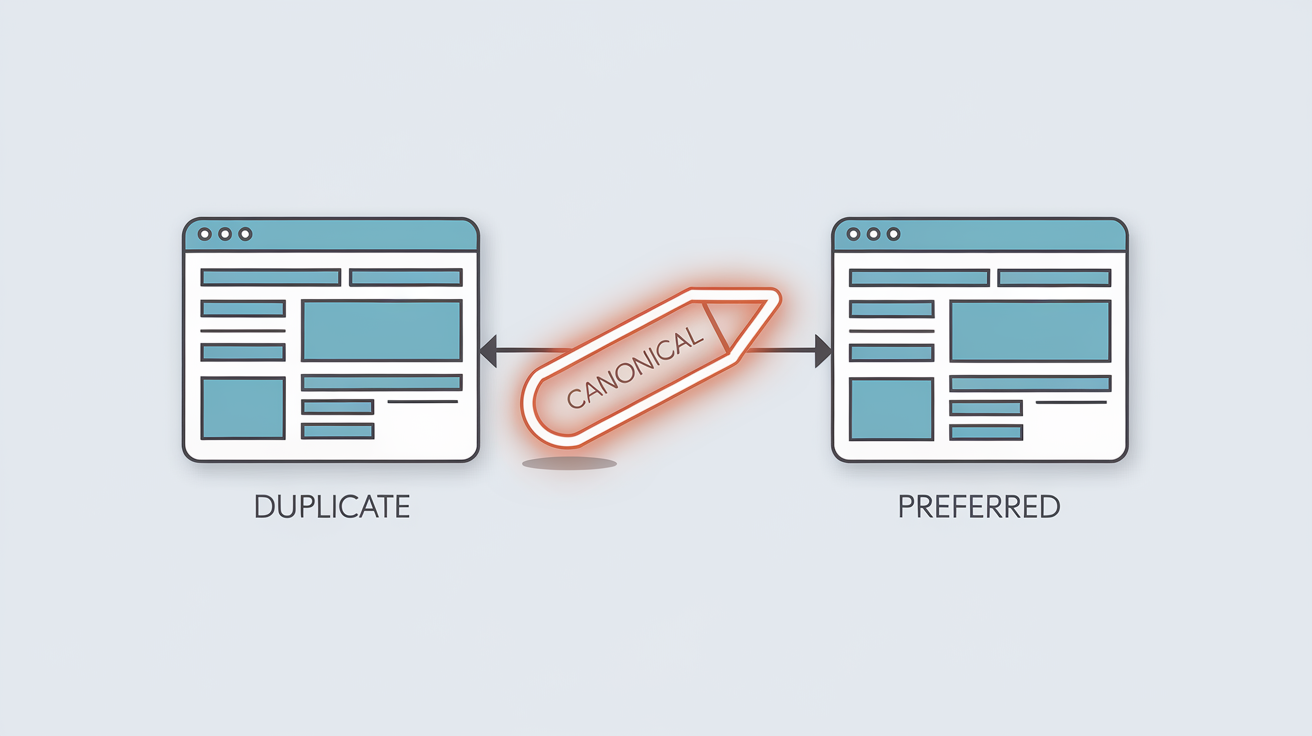
A canonical tag (rel=”canonical”) tells search engines which version of a page should be treated as the main version when multiple similar or duplicate URLs exist.
By using canonical tags correctly, you ensure that link equity, rankings, and indexing signals are consolidated on the preferred page.
Now, Are you facing issues with duplicate content on your site? In this section, we’ll explore how canonical tags can be the perfect solution to maintain your page rankings and prevent the negative impacts of duplicate content on SEO.
Don’t confuse Title and H1 Tags each plays a crucial role in SEO! Learn the key differences between Title and H1 Tags and how to optimize them for better rankings
Why Canonical Tags Matter for SEO
Duplicate content can confuse search engines and weaken your website’s authority. When multiple URLs contain similar content, Google may struggle to determine which page deserves to rank.
Canonical tags solve this problem by:
Preventing duplicate content conflicts
Consolidating link equity
Improving crawl efficiency
Strengthening indexing signals
Proper canonical implementation helps protect long-term SEO stability.
Importance of Canonical Tags for Preventing Duplicate Content Issues
Canonical tags play a crucial role in preventing duplicate content issues, which can be detrimental to a website’s SEO performance. Duplicate content occurs when the same or very similar content appears on multiple pages or URLs, confusing search engines about which version to rank.
This can lead to a dilution of page authority, lower rankings, and potentially less traffic.
By implementing canonical tags, you can specify the preferred version of a page to search engines, guiding them to index the right one. This prevents the negative effects of duplicate content, consolidates link equity, and ensures that your site maintains its SEO value.
Here are some key points to consider about the importance of canonical tags for managing duplicate content:
- Avoiding Penalties for Duplicate Content:
Search engines, like Google, may penalize websites with duplicate content by either reducing their rankings or failing to index certain pages. Canonical tags help you avoid this by pointing to the primary page you want search engines to prioritize.
- Consolidating Link Equity:
Without canonical tags, backlinks may be spread across different versions of the same content. By using a canonical tag, you direct all link equity to the preferred page, which can help boost its rankings.
- Improving Crawl Efficiency:
By using canonical tags, you help search engines crawl your site more efficiently, as they don’t waste resources crawling duplicate content. This allows for better indexation of the important pages on your site.
In summary, implementing canonical tags is vital for preserving SEO value, improving crawl efficiency, and preventing issues related to duplicate content.
If you’ve implemented canonical tags on your site but haven’t seen the expected results, there might be a reason why Google is ignoring these tags. In this section, we’ll reveal the common reasons behind Google’s disregard for canonical tags and how to address these issues to achieve the best SEO results.
Common Reasons Why Google Ignores Canonical Tags
Google may disregard canonical tags when they send unclear or conflicting signals. Below are the most common causes:
1. Multiple Canonical Tags
Using more than one canonical tag on a page creates confusion. Each page should contain only one canonical URL.
2. Incorrect Placement
Canonical tags must be placed inside the <head> section. Tags placed elsewhere may not be recognized.
3. Blocked Canonical URLs
If the canonical URL is blocked by robots.txt or meta directives, Google cannot crawl it and may ignore the signal.
4. Non-200 Status Codes
Canonical URLs should return a valid 200 status code. Pages returning 404, 301, or 500 errors are usually ignored.
5. Noindex on Canonical Pages
Applying a noindex tag to a canonical URL sends contradictory signals and prevents proper indexing.
6. Canonical Chains
Chains occur when Page A points to Page B, and Page B points to Page C. This weakens canonical signals. Each page should point directly to its final version.
7. Mismatched Canonical Signals
If the canonical URL in the HTML differs from the rendered DOM version, Google may choose to ignore both.
How to Fix Canonicalization Issues?
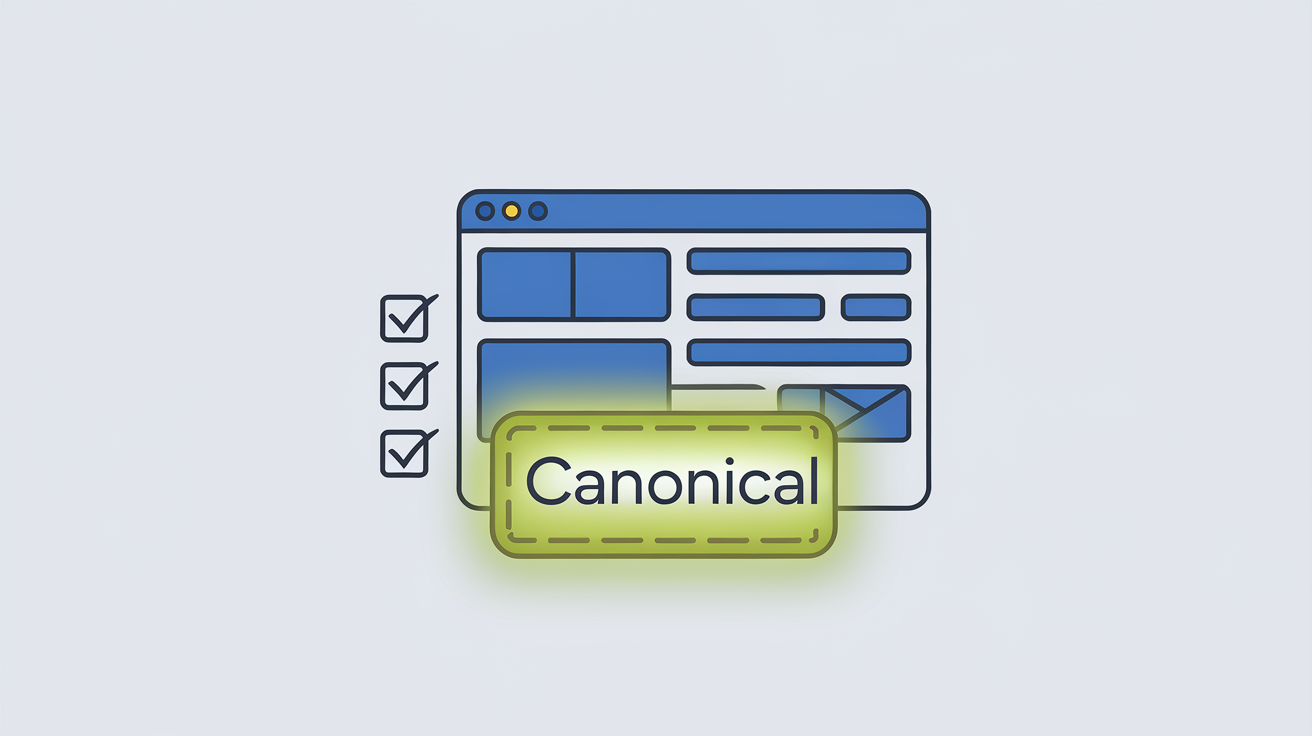
To ensure Google respects your canonical tags, follow these steps:
Use only one canonical tag per page
Place tags inside the
<head>sectionUnblock canonical URLs
Ensure 200 status responses
Remove noindex from canonical pages
Eliminate canonical chains
Maintain consistency across signals
Regular technical audits help prevent recurring issues.
Best Practices for Using Canonical Tags
Implementing canonical tags strategically improves long-term SEO performance.
Use Self-Referencing Canonicals
Even original pages should point to themselves to prevent parameter-based duplication.
Canonicalize Your Homepage
Set a canonical URL for your homepage to avoid version conflicts.
Use Absolute URLs
Always include the full URL with protocol (https://) for clarity.
Avoid Mixed Signals
Do not combine redirects and canonicals pointing to different URLs.
Optimize Sitemaps
Include only canonical URLs in your XML sitemap.
Avoid Canonicalizing Error Pages
Never set 404 or soft-error pages as canonical targets.
Mueller states that having duplicate content in your sitemap won’t directly harm your website’s search rankings. However, it can cause confusion for search engines, making it more difficult for them to crawl and index your pages.
He advises prioritizing the pages you want search engines to index and ensuring they are included in your sitemap. This approach helps search engines recognize your most important content, making it easier for them to crawl and index those pages.
Moreover, for large websites with numerous pages, it’s crucial to regularly review and update your sitemap to keep it accurate and current. This will help avoid any confusion or crawling issues that could potentially harm your search rankings.
- Avoid Canonicalizing 404 Pages: Do not set pages that return a 404 status code as canonical URLs, as this can lead to indexing errors.
- Implement Canonical Tags in the <head> Section: Place canonical tags within the <head> section of your HTML to ensure they are recognized by search engines.
By adhering to these best practices, you can effectively manage duplicate content and enhance your site’s SEO performance, And you can now Fix missing canonical tags on your Salla store in minutes using ClickRank and boost your SEO effortlessly.
Best Tools to Check Duplicate Content and Improve Your Site’s SEO Performance
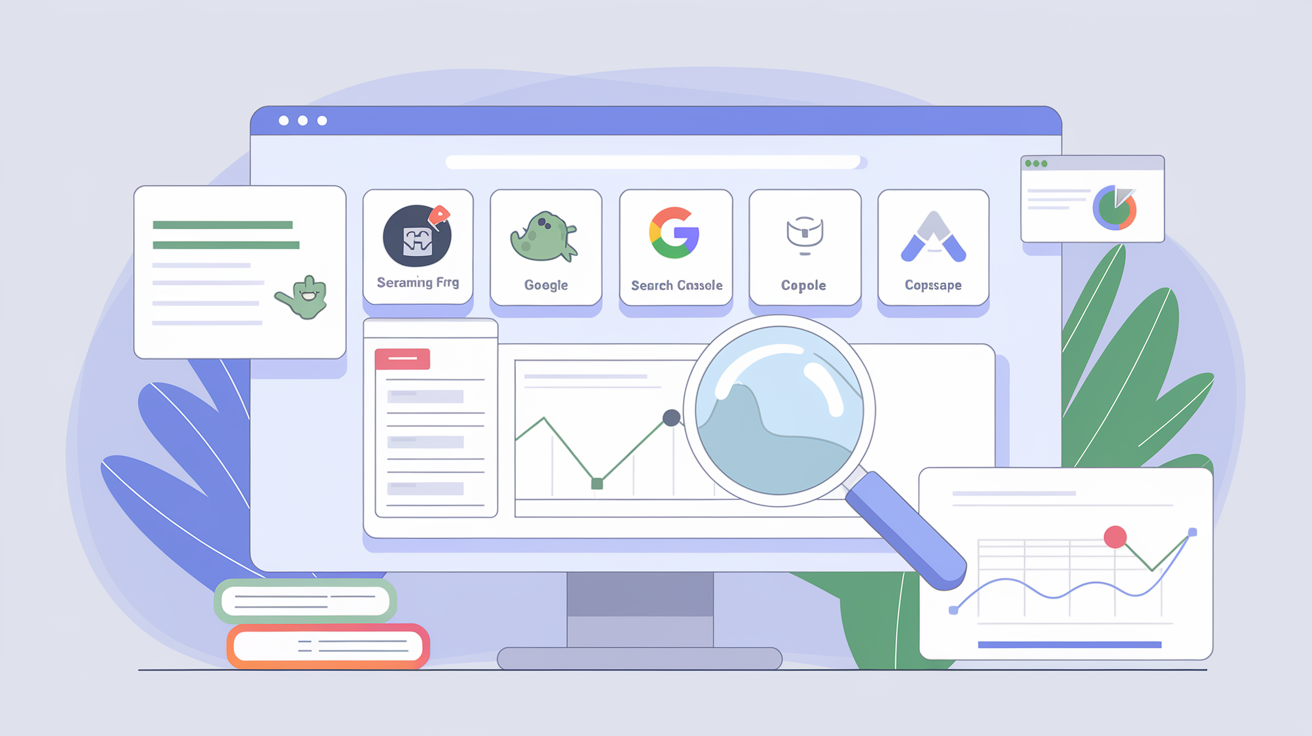
Tools to check duplicate content are essential for ensuring there are no indexing or ranking issues caused by duplicate pages. Here are some popular tools that help identify these problems:
- Screaming Frog: This tool is one of the most powerful for analyzing site structure and identifying duplicate content issues. It can crawl all your pages and flag those with duplicate content or canonical tag issues.
- Google Search Console: This tool from Google provides detailed reports on any issues encountered during the indexing of your pages. It can help identify pages with duplicate content or canonical tag problems that may affect site performance.
- Copyscape: A specialized tool for detecting plagiarism and duplicate content across the web. It can be used to check if your content appears elsewhere, helping you avoid excessive content duplication.
- Siteliner: Another great tool for checking duplicate content within your site. It crawls your pages and provides detailed reports that help improve your site’s SEO performance.
By using these tools, you can ensure your site’s content is unique and free from duplicate content issues, contributing to better search engine rankings.
How to Avoid Duplicate Content?
So, To Avoid Duplicate content:
- Use Canonical Tags
Use the rel=canonical tag on duplicate or similar pages to tell search engines which version is the preferred (main) one.
Example:
<link rel=”canonical” href=”https://www.example.com/preferred-page”>
- Implement 301 Redirects
Redirect duplicate pages to the primary version using a 301 redirect.
Example in htaccess and Apache - Set Preferred Domain in Google Search Console
Choose between the “www” version or the non-“www” version of your domain to ensure search engines treat it as one domain. - Avoid URL Parameter Issues
If you use parameters (e.g., ?id=123), ensure they don’t create duplicate versions of the same content. - Use hreflang for Multilingual Sites
For multilingual or international sites, use hreflang tags to specify content targeted for different regions/languages. - Ensure Unique Content
Avoid copying content from other pages or sites. Instead, create original and valuable content for each page. - Manage Pagination on Paginated Pages
For paginated pages, use rel=”next” and rel=”prev” tags, or merge paginated pages using canonical tags. - Block Unnecessary Pages in robots.txt
Prevent search engines from indexing unnecessary or duplicate pages, such as tag or archive pages.
Example:
Disallow: /tags/
Disallow: /archives/
- Merge Similar Content
Combine pages with overlapping topics or duplicate content into a single comprehensive page. - Regular Audits
Use tools like Google Search Console, Screaming Frog, or SEMrush, Clickrank.ai to identify duplicate content and resolve issues quickly.
What Happens if Google Selects a Different URL?
A preferred URL is simply a suggestion. According to John Mueller, there’s no negative impact on rankings if Google decides to designate a different canonical URL than the one you prefer. It’s also perfectly acceptable not to set a preference at all.
When dealing with canonical URLs, maintaining consistency is crucial. However, there’s no need to worry if you’ve implemented all the appropriate signals and Google still opts for a different version of the URL as canonical.
Key Notes:
Why should I use the canonical tag instead of removing the duplicate content?
Deleting duplicate content may result in a loss of traffic that was coming to the duplicate pages.
On the other hand, the canonical tag helps maintain the rankings of those pages while directing visitors to the preferred page, thus preserving SEO benefits without losing traffic.
Why not use a 301 redirect instead of the canonical tag?
The canonical tag is used to inform search engines about the original version of a page without affecting the user experience. It prevents duplicate content issues and enhances SEO without impacting visits.
A 301 redirect, on the other hand, permanently redirects visitors to the original page, completely stopping the duplicate page, which helps improve SEO by signaling to search engines that the old page no longer exists.
What happens if I apply the canonical tag to the wrong page?
Applying the canonical tag to an incorrect page can confuse Google’s crawlers, resulting in a loss of rankings and traffic for pages incorrectly directed by the tag.
In conclusion, Google’s disregard for canonical tags is an issue that directly impacts your website’s SEO performance. By understanding the reasons behind this and taking the necessary steps to fix it, you can improve your page rankings in search results. Ensure your canonical tags are correctly updated and avoid common mistakes. By following these tips, you can ensure better indexing of your content and achieve tangible SEO results.

Which SEO software platforms offer a free trial that is comprehensive enough for a digital agency to evaluate?
ClickRank AI Suite, SEMrush, Ahrefs, and SE Ranking offer comprehensive free trials. ClickRank AI provides 7-day access to SGE tracking and keyword reports. SEMrush offers full access for audits, keyword data, and backlinks. SE Ranking’s trial supports white-label reports. These trials help agencies test data accuracy and reporting before subscribing.
What is the best free or paid tool for performing a thorough on-page SEO audit of a single web page?
The best on-page SEO audit tools include Clickrank, Ahrefs Webmaster Tools, Screaming Frog SEO Spider, SEOptimer, and PageOptimizer Pro. For free options, Ahrefs Webmaster Tools and SEOptimer provide comprehensive page-level SEO reports including metadata, content quality, internal links, and technical fixes. Paid tools like Surfer SEO and PageOptimizer Pro analyze keyword usage, structure, and competitors’ optimization strategies for better results.